Marketplace listing photos
Common Myntra listing image mistakes and how to fix them
Trendzy Look5 min read
Myntra's strict catalog guidelines demand visual precision. Avoid common Myntra listing image mistakes that lead to rejections or low click-through rates by standardizing your product imagery with Trendzy Look.
On this page(6 sections)
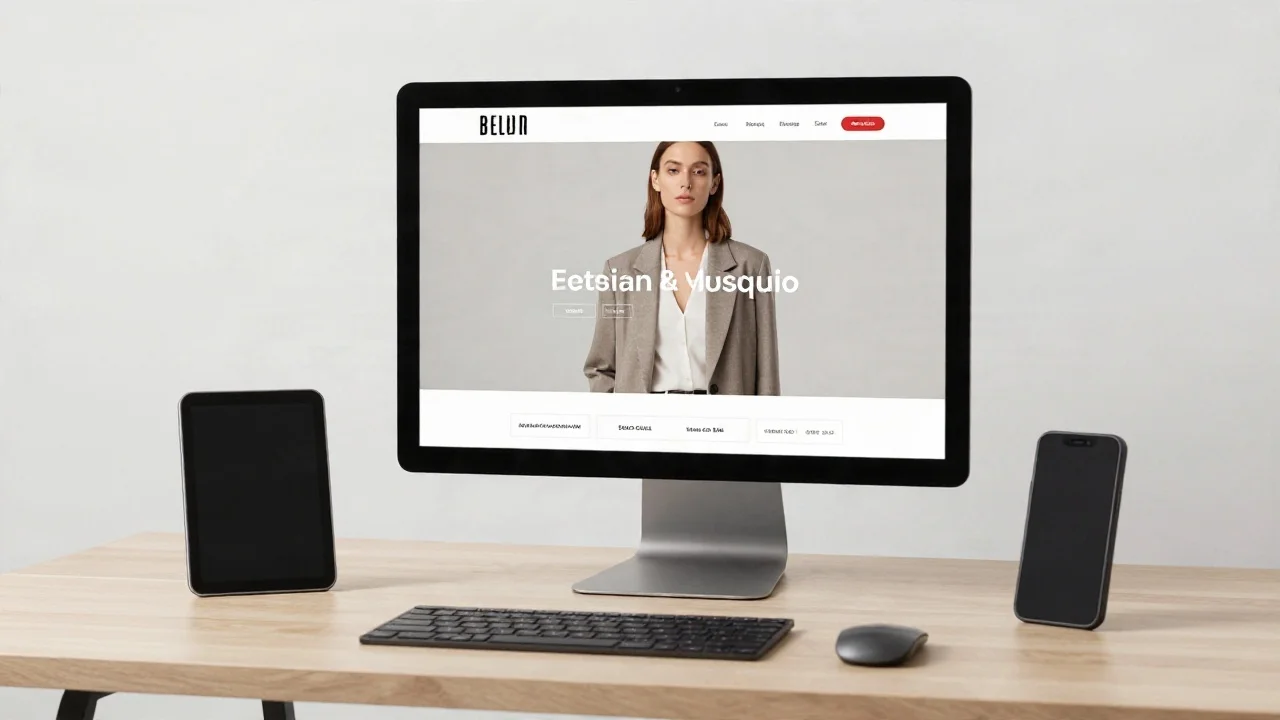
Myntra's marketplace algorithms prioritize visual consistency. If your listing images fail to meet these standards, you risk lower visibility or outright rejection. Here is how to audit and fix your catalog.
Start your photoshootSelling on Myntra requires more than just a great product; it demands a highly specific visual standard. Unlike a personal website where you have total creative freedom, Myntra listing image mistakes can lead to immediate catalog rejection or poor search performance. Because the platform prioritizes a 'premium' shopping experience, your images must be clean, consistent, and professional. Navigating these requirements can be daunting, but understanding the core pillars of marketplace photography is the first step toward higher conversion.
Why Myntra listing image mistakes hurt your sales
Myntra's algorithm evaluates your listing's 'readiness' based on the quality and uniformity of your imagery. When shoppers browse, they are looking for visual clarity that helps them imagine the garment on themselves. If your images are inconsistent—perhaps one SKU has a model shot while another is a flat lay—the shopper's trust in your brand diminishes. This lack of cohesion signals a 'low-effort' listing, which often results in lower click-through rates (CTR) and higher bounce rates.
Furthermore, Myntra has strict guidelines regarding background color, aspect ratio, and model posing. Failing to adhere to these doesn't just hurt conversion; it prevents your products from ranking in the first place. When your images deviate from the expected aesthetic, the platform may suppress your visibility, making it nearly impossible to compete with top-tier brands that maintain strict visual standards.
Common diagnostic: Identifying the errors
Mistake | Why it hurts | Fix |
|---|---|---|
Inconsistent Model Posing | Creates a disjointed catalog feel that looks unprofessional. | Use Trendzy Look to apply a consistent reference pose across all SKUs. |
Poor Lighting/Shadows | Distorts fabric color, leading to high return rates. | Generate images in a controlled AI studio environment for uniform lighting. |
Missing Variant Imagery | Shoppers cannot visualize the color/pattern they are buying. | Use your base garment photo to generate on-model versions for every variant. |
Standardizing your catalog with Trendzy Look
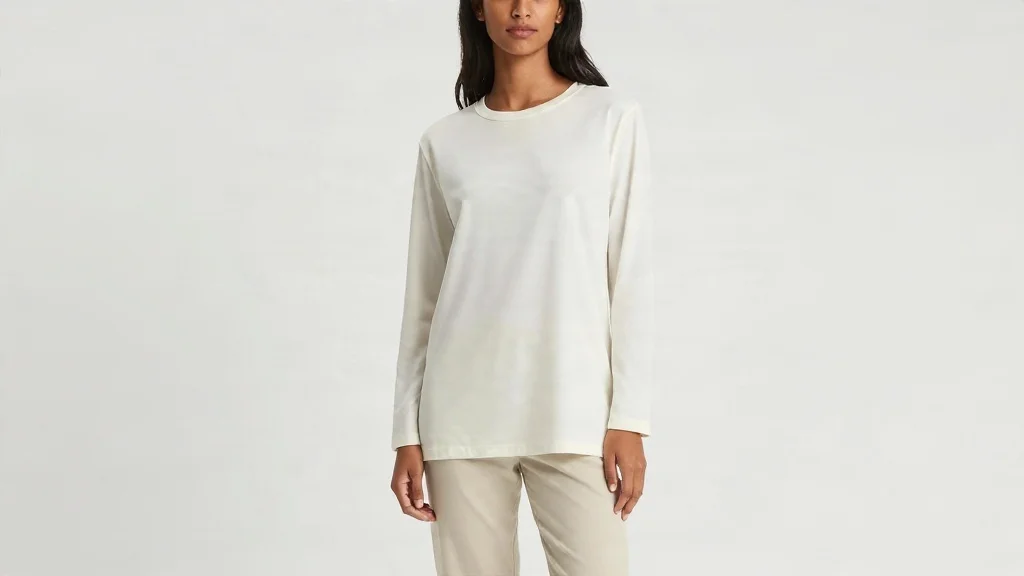
The most effective way to avoid these pitfalls is to move away from ad-hoc, inconsistent photography. Instead of booking a new model for every single SKU—which is both expensive and logistically draining—you can use Trendzy Look to maintain a consistent 'look and feel' across your entire catalog. By uploading a high-quality garment photo and selecting a standardized reference pose, you ensure that every product on your Myntra store looks like it came from the same high-end, professional photoshoot.
Trendzy Look allows you to maintain brand identity while meeting marketplace requirements. By using the same lighting profiles and model poses for your entire collection, you create a seamless browsing experience. This consistency is exactly what Myntra’s algorithm favors, as it reduces the cognitive load on the shopper and keeps them focused on the product details.
How to run a quick audit of your current listings
Take a moment to look at your current Myntra storefront. Ask yourself these three questions: Is my background consistent across all images? Does the model pose distract from the garment? Is the lighting uniform enough to show the true fabric color? If the answer to any of these is no, your catalog is likely underperforming. A quick audit can reveal where your brand is losing potential sales.
Beyond the visual, check your technical specs. Are your images high-resolution? Are they cropped to the correct aspect ratio? Myntra’s guidelines are specific for a reason: they want to ensure that every listing looks like a premium product. If your images are blurry or poorly framed, you are essentially telling the customer that your product is of lower quality.
Scaling your catalog without the overhead
Traditional photoshoots are a major bottleneck for growing fashion brands. If you have 50 new SKUs, waiting for a studio, a photographer, and a model is a multi-week process that delays your time-to-market. With Trendzy Look, you can transform your existing garment photos into studio-grade catalog images in a fraction of the time. This allows you to keep your Myntra listings fresh and compliant without the logistical nightmare of constant reshoots.
By digitizing your photography workflow, you gain the ability to launch new collections faster. When you aren't tied to the availability of a physical studio, you can react to market trends in real-time. This agility is the key to scaling on marketplaces like Myntra, where speed and visual quality are the primary drivers of success.
Final steps to marketplace success
Consistency is the secret to marketplace growth. By eliminating these common Myntra listing image mistakes, you provide a better experience for your customers and a better signal to the platform's search algorithms. Ready to standardize your catalog and improve your conversion rates? Start your journey toward a more professional, high-performing catalog by using our AI-powered studio tools. Generate a look at /photoshoot to see how your products can look with consistent, high-end imagery.
Trendzy Look studio
Turn garment photos into on-model listing images
Upload a product shot, pick a reference look, and generate catalog-ready visuals without a shoot day.
Generate a look