How to keep catalog photos consistent across every SKU
Trendzy LookUpdated Nov 11, 20262 min read
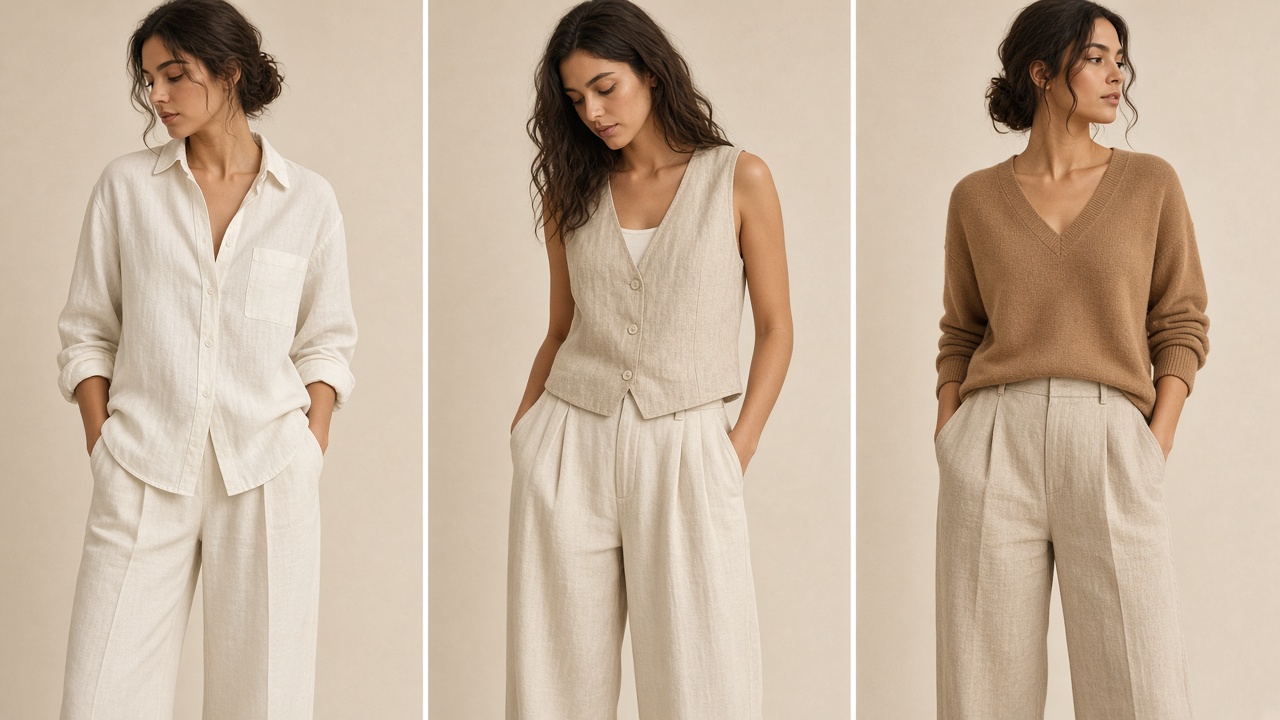
A seller-friendly system for lighting, crop, pose, and review so your catalog feels like one brand—not a pile of one-off shots.
On this page(5 sections)
Consistency is a system, not a vibe
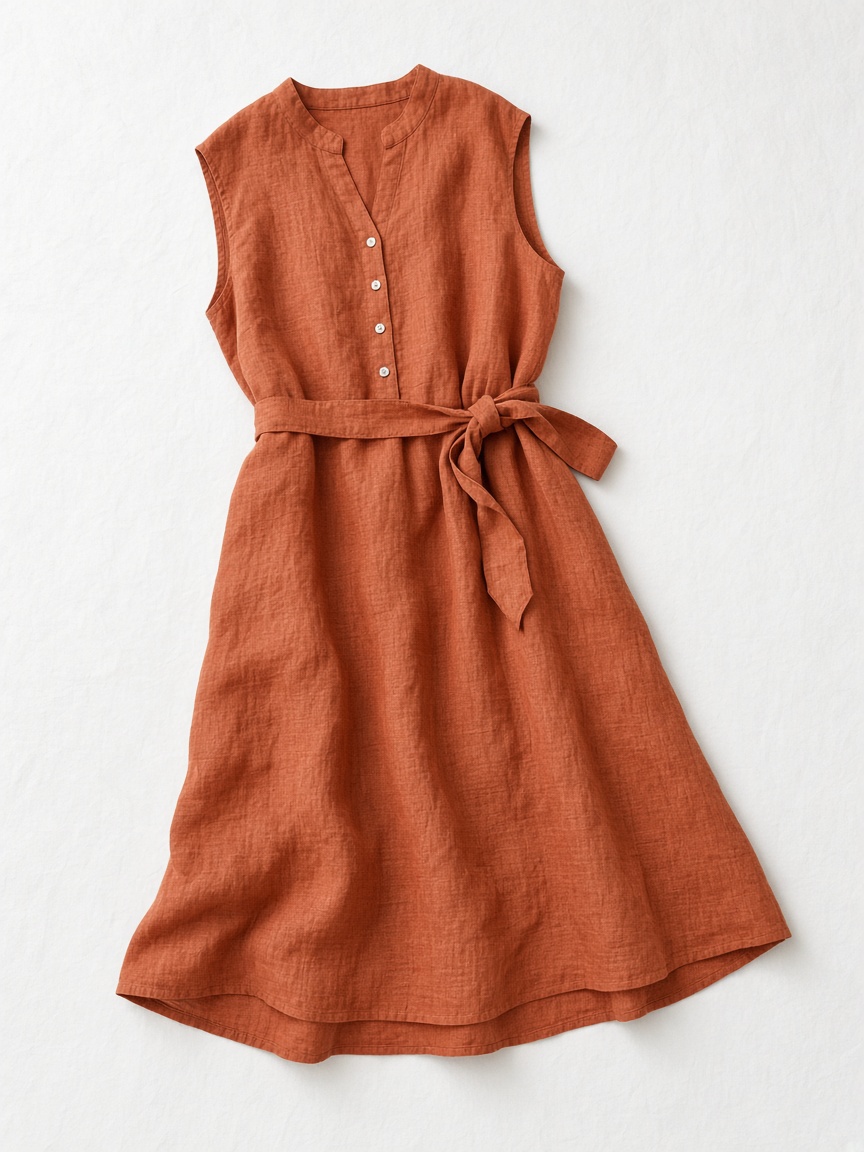
Lighting rules
Same soft key light and white balance so colors stay comparable across SKUs.
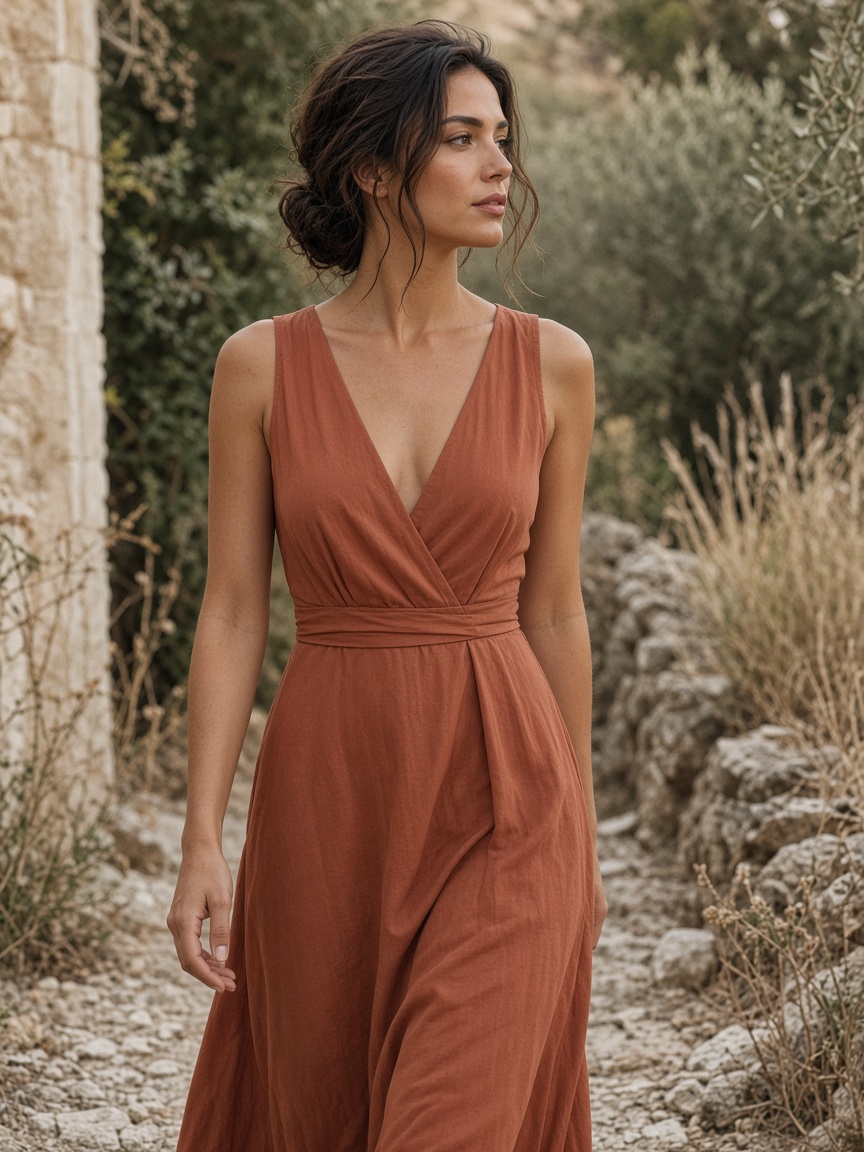
Crop standards
Decide full-length vs 3/4 once, then stick to it per category.
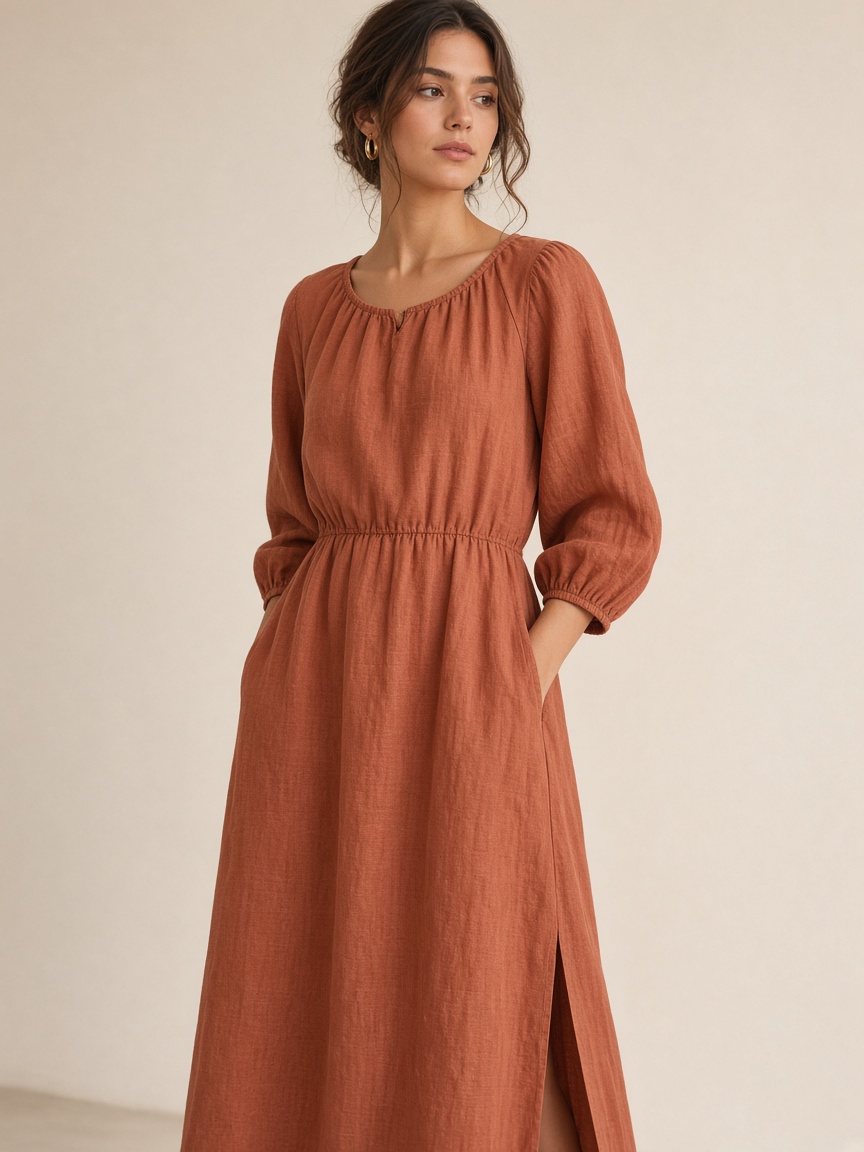
Review checklist
Approve only frames that keep garment fidelity and brand crop.
Shoppers notice when one dress is shot on a sunny balcony and the next is under harsh store lights. Consistency builds trust—and makes comparison shopping easier inside your own store.
Write a one-page visual standard
Background: plain / seamless / approved location list
Crop: full-length for dresses, waist-up for tops (example—set yours)
Pose family: 2–3 approved references per category
Color check: how you validate fabric against the physical sample
Source photos that support consistency
If flat lays vary wildly in angle and exposure, every downstream image will too. Standardize garment capture first—then generation or shooting becomes much calmer.
Review like an editor, not a gallery browser
Does the garment still look like the SKU?
Does the crop match the category standard?
Would this sit next to last month’s heroes without clashing?
Is there a cleaner frame before you accept “good enough”?
Use cases that benefit most
D2C refreshes and boutique listing updates both live or die on consistency. See D2C catalog refresh and Boutique listing photos.
Standardize your next ten SKUs
Pick one reference family and generate with the same rules.
Trendzy Look studio
Turn garment photos into on-model listing images
Upload a product shot, pick a reference look, and generate catalog-ready visuals without a shoot day.
Generate a look